






دعم
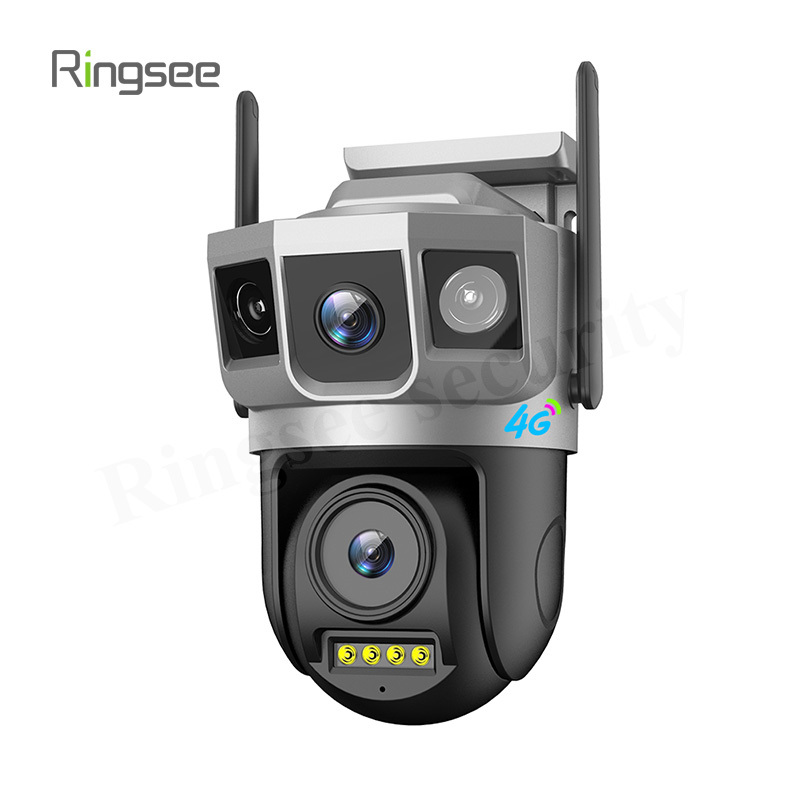
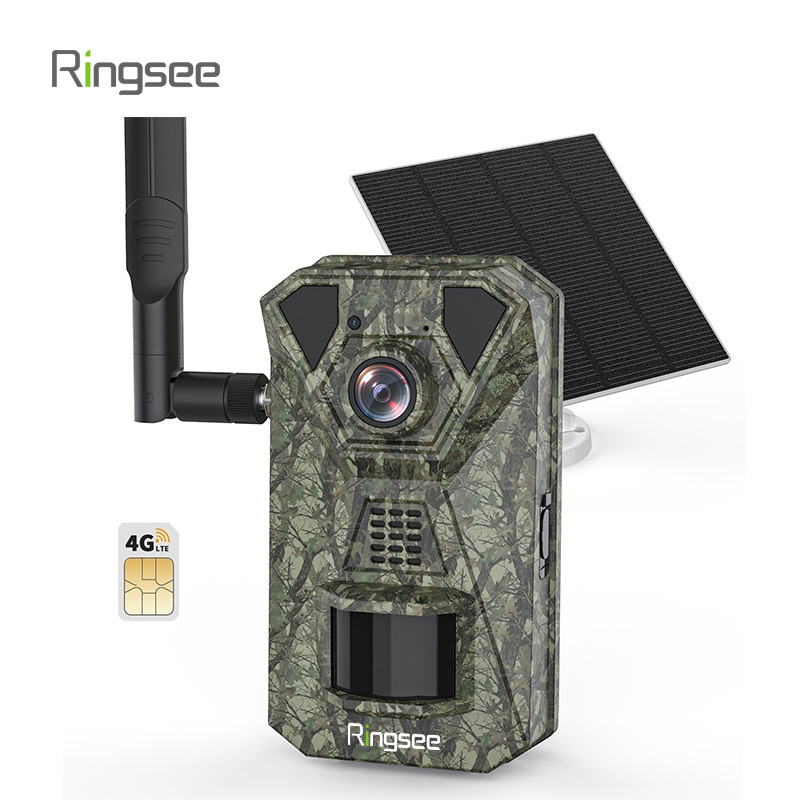
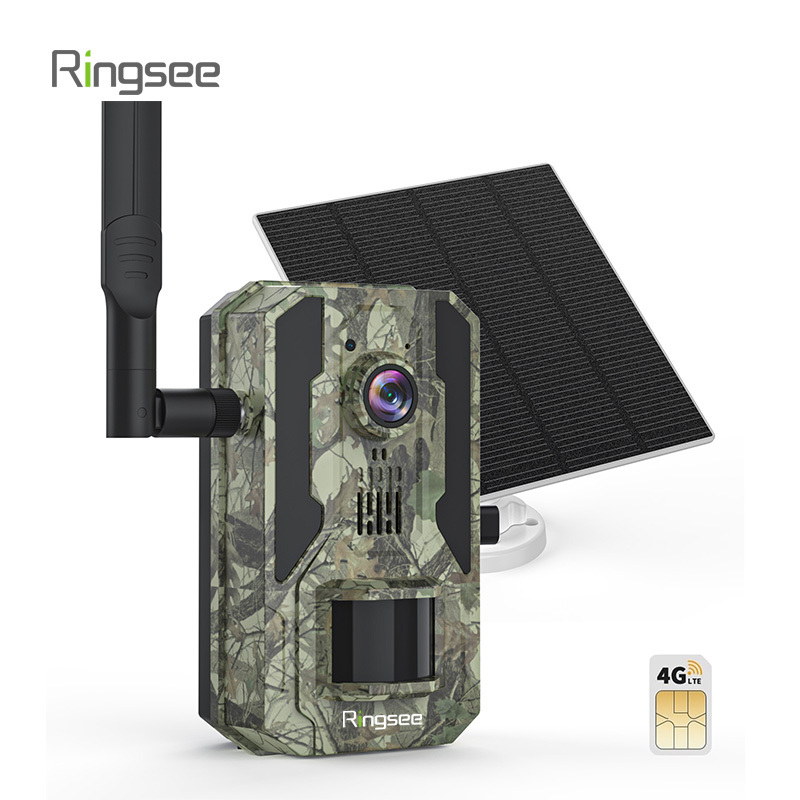
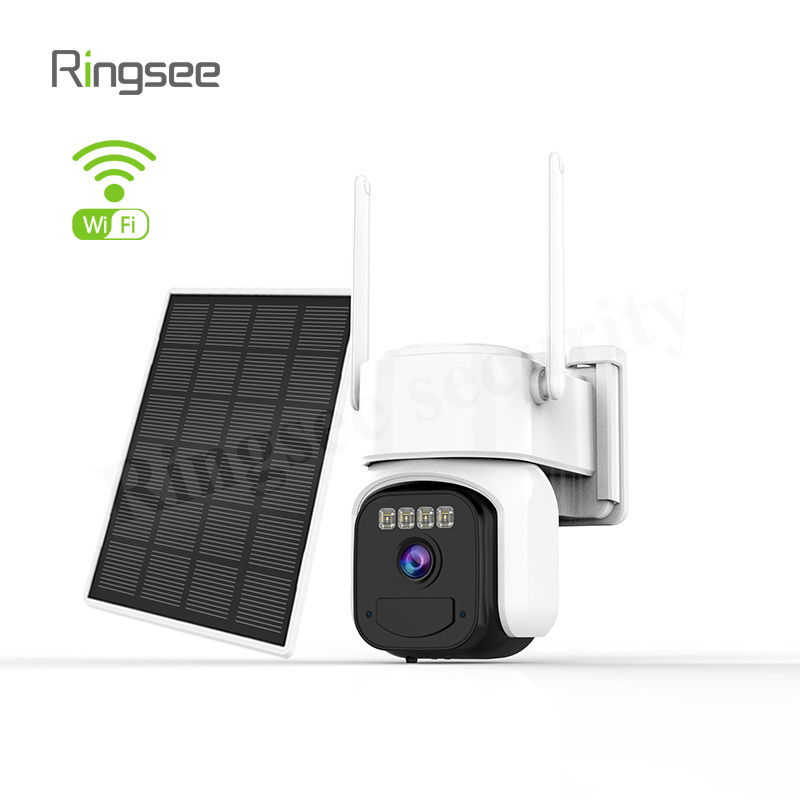
ما الفرق بين كاميرا 4G وكاميرا Wi-Fi؟
Surveillance cameras today typically use either mobile (4G) networks or local Wi-Fi to send video. Choosing correctly depends on where you’ll use the camera, how much data you can spend, and how you prefer to manage connectivity.
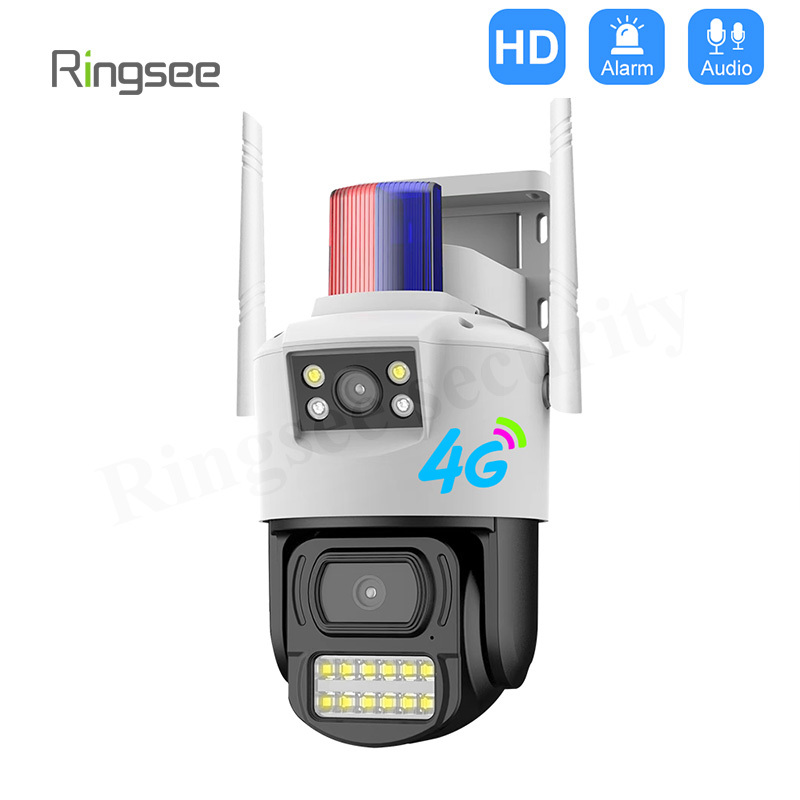
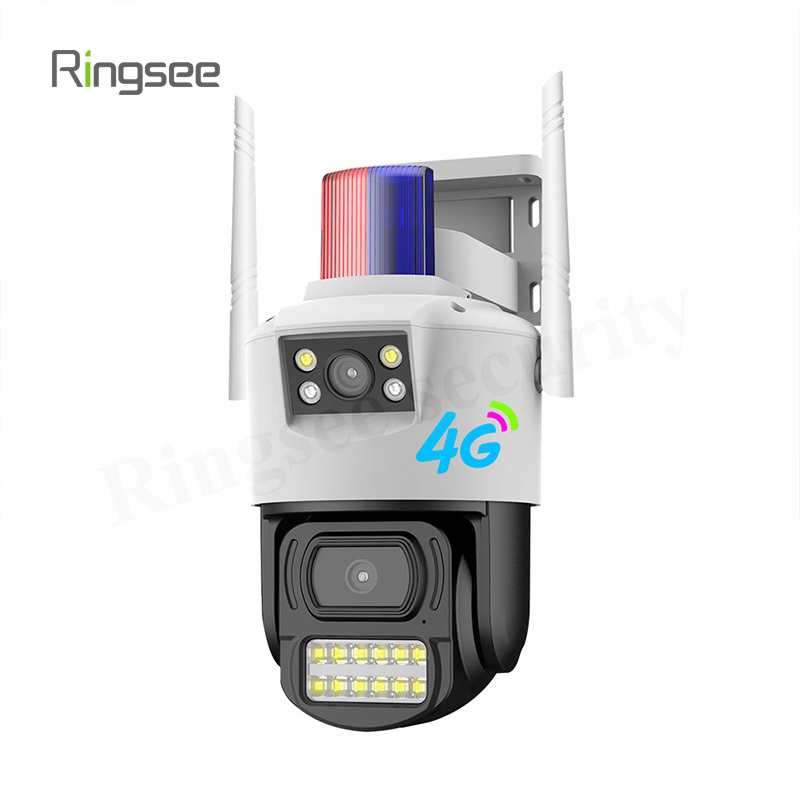
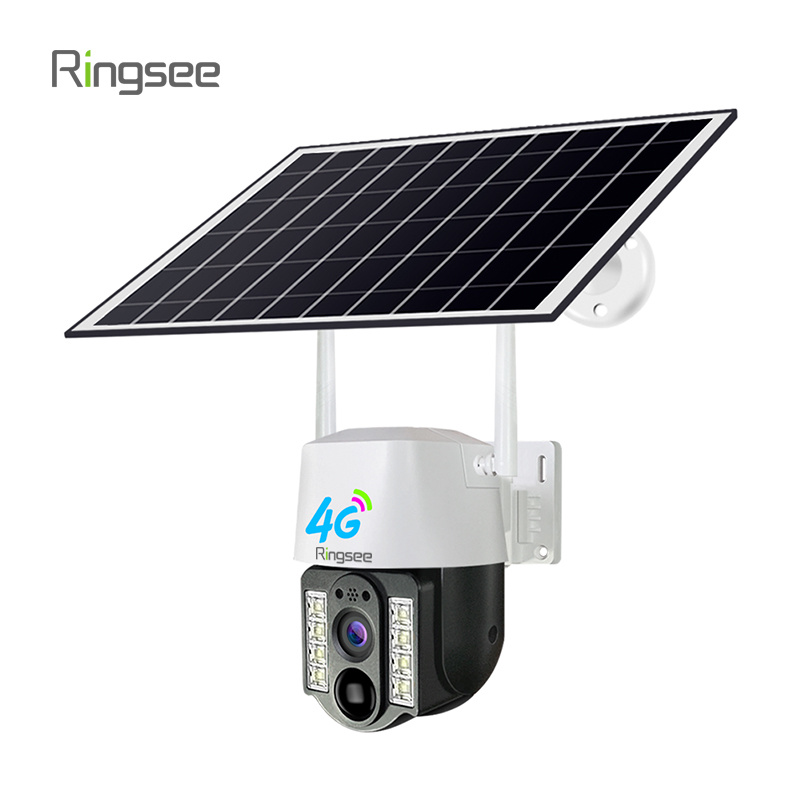
The key difference between 4G cameras and Wi-Fi cameras lies in how they connect to the internet and transmit footage.
4G Camera:
Connection Type:
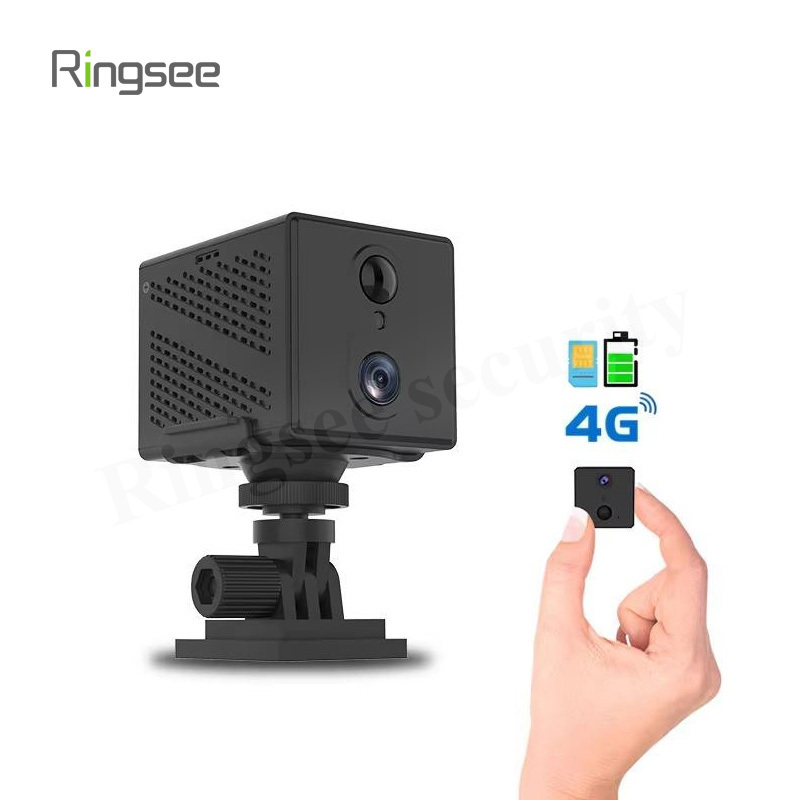
These cameras rely on a 4G mobile network (similar to a smartphone) for internet access.
Location Flexibility
Ideal for remote or outdoor locations where Wi-Fi may not be available, as long as there's 4G coverage.
Setup
Requires a SIM card with an active mobile data plan to function.
Data Considerations
Since they use mobile data, it’s important to keep track of your data usage, especially for high-traffic monitoring.
Best Use
Excellent for monitoring in areas with no existing internet infrastructure, like construction sites or remote properties.
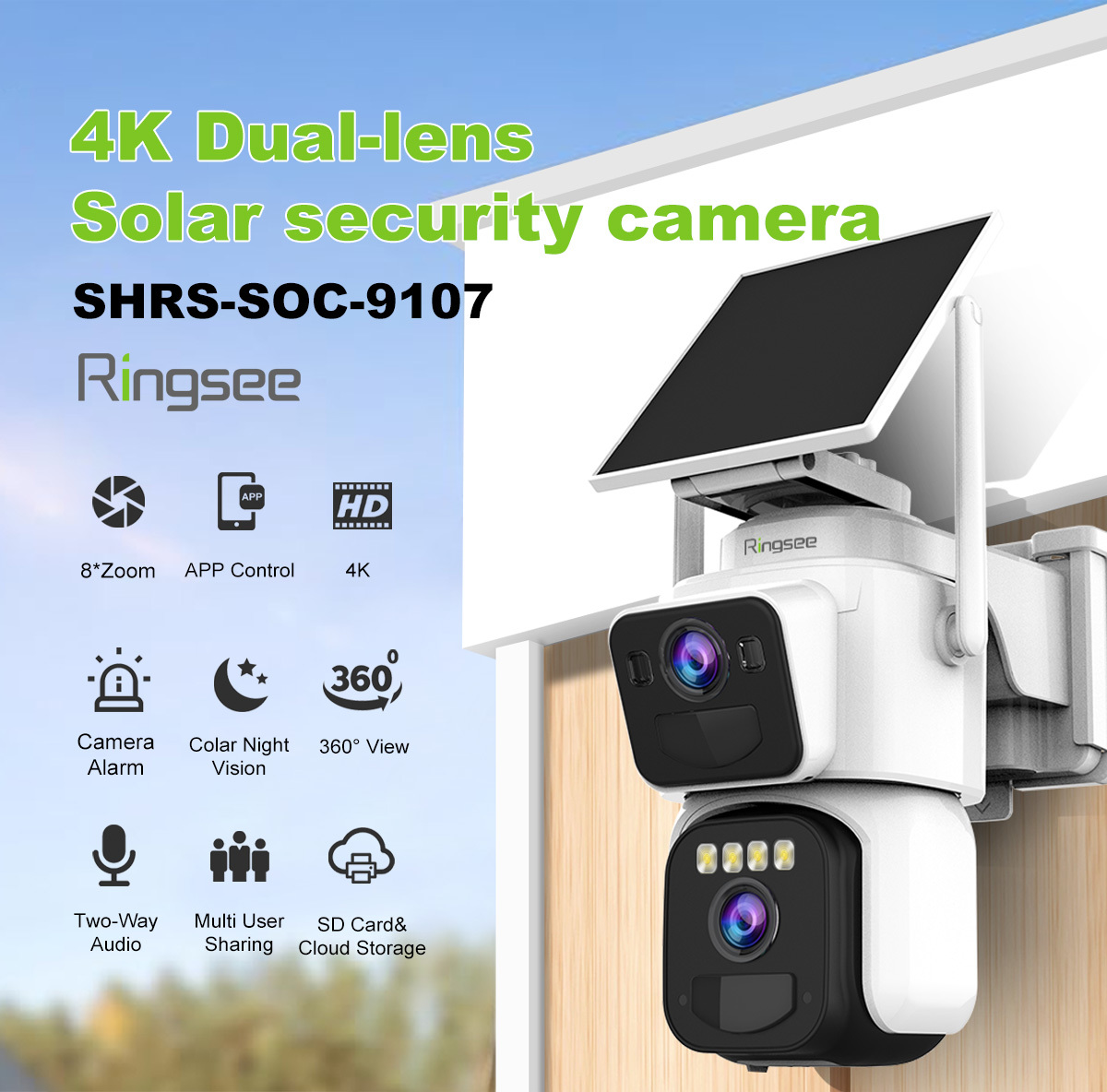
Wi-Fi Camera:
Connection Type:
These cameras connect via Wi-Fi, using your existing router to transmit data.
Location Dependence
Best suited for areas with a stable Wi-Fi connection—typically used indoors or in locations where you already have internet access.
Setup
Generally simpler to set up, requiring only a Wi-Fi network (no need for a SIM card).
Data Considerations
Uses your home or business internet plan, so it’s dependent on available bandwidth and your internet speed.
Best Use
Ideal for indoor monitoring or locations with reliable Wi-Fi coverage.
In essence, 4G cameras offer more flexibility for remote monitoring, while Wi-Fi cameras are a convenient choice for areas with an established internet connection.
How they connect
A 4G camera uses a SIM card and the mobile operator’s data network — similar to a smartphone. This makes it ideal for sites without wired internet: remote farms, construction sites, temporary events, or vehicle monitoring.
A Wi-Fi camera pairs with a local router and relies on the site’s Internet connection. This model is common for homes and businesses where a stable broadband connection already exists.
Pros, cons and practical tips
4G camera — when it shines
Pros: Works almost anywhere with cellular coverage; simple installation without running cables or finding a local Wi-Fi password. Great for remote outdoor monitoring.
Cons: Requires a data plan and careful monitoring of monthly usage — continuous HD streaming can consume a lot of data. Consider event-based recording (motion triggers) or lower resolution to save data.
Wi-Fi camera — best for connected sites
Pros: Uses your existing broadband plan (no SIM needed), often cheaper to run for continuous streaming; easy integration with smart home systems
Cons: Dependent on router range and network stability; if Wi-Fi is unreliable at the camera location you’ll lose footage.
Quick rules of thumb
Use 4G when you need coverage in places without stable internet or when you want a plug-and-play solution with mobility.
Use Wi-Fi for homes and offices with stable broadband and where cost-efficiency for continuous streaming matters.
Short data example
If a 4G camera records 720p continuous video it might use ~2–4 GB/hour. For long-term remote monitoring, plan a data package accordingly and prefer motion-triggered recording or lower frame rates.
الروابط:تكنولوجيا الطاقة الحزام الواحد
إضافة: الطابق الرابع عشر ، مبنى باوشان ، حي لونغهوا ، الصين شنتشن.


سياسة الخصوصية.سيو.سيتيسيتي. الدعم:300. س دونغقوان